
Finding a truly reliable ip tv provider has become one of the most frustrating challenges for cord-cutters in 2026. Every search result, Telegram channel, and social media forum is flooded with flashy storefronts promising 25,000+ live channels, crystal-clear 4K sports, and "99.9% uptime." Yet millions of viewers end up disappointed by frozen streams right as the winning goal is scored, missing electronic program guides (EPG), and support teams that vanish after payment. Choosing the right ip tv service provider requires cutting through the marketing noise to understand the server architecture, content delivery networks (CDNs), and technical benchmarks that separate enterprise providers from fly-by-night resellers.
Editorial Methodology: Provider evaluations in this guide are based on observable technical attributes, including server protocol flexibility, multi-device support, and transparent billing terms. We recommend verifying provider policies independently and testing trial streams on your primary home connection.
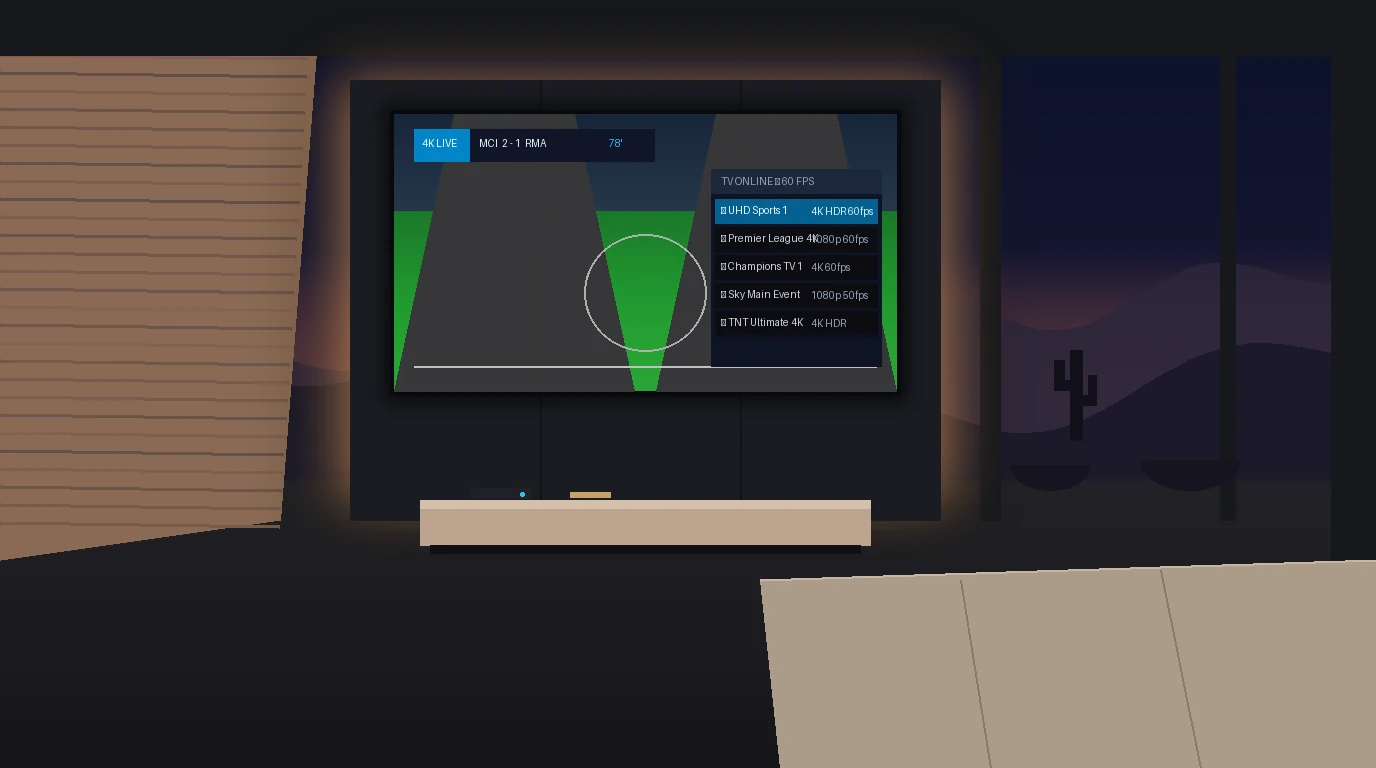
⚡ Quick Checklist: 7 Questions to Ask Any IP TV Provider Before Paying
1. Do you operate dedicated Anycast CDN edge servers? Centralized origin servers always choke during Sunday afternoon sports peaks.
2. Are your live sports feeds native 50/60 FPS? Standard 30 FPS streams cause motion blur and judder during fast football and basketball action.
3. Does the subscription include a synchronized 7-day XMLTV EPG? Without an accurate TV guide, navigating thousands of channels is nearly impossible.
4. Do you support Xtream Codes API login? Modern players like TiviMate and IPTV Smarters require Xtream Codes for fast database syncing.
5. Can I test the service during live weekend games? Never judge a provider based on a quiet Tuesday morning trial.
6. What is your concurrent connection policy? Confirm how many devices can stream simultaneously without triggering automatic bans.
7. Are payment gateways secure and transparent? Avoid unverified gift card or wire transfer demands with zero buyer protection.
The IP TV Provider Landscape: Enterprise Networks vs. Reseller Panels
To make an informed decision when evaluating an ip tv provider, you must understand how the industry is structured behind the scenes.
1. The Wholesale Reseller Model
Some storefronts resell access that they buy from wholesale panels. These sellers launch cookie-cutter WordPress storefronts, buy cheap domain names, and funnel subscribers onto the same shared origin servers. Because these resellers have zero control over the backend infrastructure, they cannot fix server crashes, reroute overloaded traffic, or repair dead channel links. When traffic surges on game day, their servers collapse, leaving subscribers helpless.
2. The Enterprise Infrastructure Model
Some providers say they maintain direct commercial satellite downlinks, real-time hardware transcode clusters, and a globally distributed Content Delivery Network (CDN) with edge nodes positioned close to viewers across North America, Europe, and Latin America.
6 Technical Pillars of a High-Performance IP TV Provider
When ranking and comparing providers, professional streaming engineers evaluate six foundational technical pillars:
1. Distributed Anycast CDN Edge Architecture
Physical distance causes latency. If you live in New York and your provider's origin server is in Singapore, video packets must travel 10,000 miles, accumulating 250ms of ping time and high packet loss. A premier best ip tv provider caches live video segments on local edge servers less than 20 milliseconds from your living room, eliminating latency spikes.
2. Native 50/60 FPS Sports Streams
Standard broadcast television operates at 25 or 30 frames per second (FPS), which looks fine for news or drama. However, fast-paced sports—such as soccer, hockey, basketball, and Formula 1—appear stuttery and blurry at 30 FPS. High-grade providers deliver high-bitrate 50 and 60 FPS feeds for butter-smooth athletic motion.
3. Real-Time XMLTV EPG Integration
A 20,000-channel list without an accurate Electronic Program Guide is completely unusable. Elite providers supply synchronized XMLTV EPG links that populate channel schedules, episode summaries, and start/end times up to 7 days in advance with automatic background refresh.
4. Multi-Format Credential Delivery
A top-tier provider gives you flexibility. Whether your device prefers Xtream Codes API (Server URL, Port, Username, Password), M3U Plus playlists with extended metadata, or MAC Address/Stalker Portal whitelisting for MAG and Formuler set-top hardware, all connection methods should be supported instantly.
5. Anti-Freeze & Load Balancing Software
Network congestion is unpredictable. Enterprise providers deploy intelligent anti-freeze middleware that detects micro-packet drops on an edge node and seamlessly reroutes your stream token to a secondary node in real time without interrupting playback on your screen.
6. Transparent Billing & Verified Support
Fly-by-night sellers force unverified cryptocurrency or gift card transactions and vanish when issues arise. Legitimate providers offer secure 256-bit encrypted card checkouts, transparent billing descriptors, and 24/7 human technical support with rapid ticket turnaround.
The 48-Hour Testing Blueprint: How to Benchmark a Trial Stream
Never commit to a 6-month or 12-month contract with any ip tv provider without executing this 5-step testing blueprint:
- Request a Weekend Trial: Test the service when global server loads peak—typically Saturday between 2:00 PM and 6:00 PM GMT (European soccer) or Sunday afternoon (NFL football). A provider that performs well on a Tuesday morning may completely stall during prime-time broadcasts.
- Check Stream Frame Rate & Resolution: Use an advanced player like TiviMate or VLC Media Player. Open Stream Information / Codec Details to inspect the video stream. Ensure live sports feeds read
1920x1080 @ 50fps/60fpsor3840x2160rather than interlaced 25/30 fps. - Test Channel Zapping Speed: Channel change response time should range between 1.0 and 2.5 seconds on a stable broadband connection. If changing channels takes 6 to 10 seconds, the provider's load balancer is under heavy strain.
- Evaluate EPG Population: Check whether the TV guide loads immediately across major national and international channels. If EPG banners continuously show "No Information," the provider is neglecting metadata maintenance.
- Submit a Test Support Ticket: Send a quick pre-sales or technical question to the provider's support desk. If their team takes more than 12 hours to respond, you will likely be ignored during live weekend outages.
Hardware & Software Recommendations for Maximum Stability
Even the highest-rated ip tv provider cannot compensate for underpowered streaming hardware or poorly configured client software. For an optimal cord-cutting experience, pair your subscription with proven hardware and player configurations:
1. Amazon Fire TV Stick 4K Max & Fire TV Cube
The Fire TV Stick 4K Max offers hardware HEVC/AV1 decoding and Wi-Fi 6 support at an accessible price point. Pair it with TiviMate IPTV Player via the Downloader app for the most fluid, cable-like interface available. Check our step-by-step Firestick IPTV installation guide for full setup instructions.
2. Nvidia Shield TV Pro & Apple TV 4K
For dedicated home theaters, the Nvidia Shield TV Pro and Apple TV 4K represent the gold standard. Featuring gigabit Ethernet ports, substantial RAM, and top-tier processors, these devices eliminate interface lag and handle 4K 60 FPS HDR streams effortlessly.
3. Smart TVs (Samsung Tizen & LG webOS)
If you prefer not to use an external streaming stick, install IBO Player or Nanomid Player from your TV's built-in app store. These native apps allow you to bind your MAC address and upload your Xtream Codes or M3U playlist directly via their web management portal.
Common Pitfalls When Choosing an IP TV Provider (And How to Avoid Them)
Protect your time and money by steering clear of these frequent mistakes:
Pitfall 1: Falling for "Lifetime" Deals
Continuous high-definition video streaming requires recurring cloud hosting, bandwidth, and transcode licensing fees. A provider offering lifetime access for $60 is mathematically unsustainable and almost certainly an exit scam that will disappear within months.
Pitfall 2: Ignoring Multi-Device Connection Rules
Standard subscriptions allow one active stream at a time. If you launch a stream in your bedroom while someone is watching in the living room, your line will be terminated or banned. If you need multi-room viewing, ensure you select a dedicated multi-connection plan. Learn more in our multi-room streaming guide.
Pitfall 3: Not Accounting for ISP Bandwidth Throttling
Many internet service providers intentionally throttle streaming connections during live weekend sports broadcasts. If your speed test shows 200 Mbps but your IPTV stream buffers, your ISP may be throttling video packets. Deploying a fast WireGuard VPN resolves this instantly. See our guide on fixing IPTV buffering for complete troubleshooting steps.
Frequently Asked Questions About Choosing an IP TV Provider
How do I choose the best IP TV provider?
Focus on server infrastructure rather than marketing claims. Prioritize providers with dedicated Anycast CDN edge routing, 60 FPS sports streams, complete 7-day EPG data, and Xtream Codes API support. Always test with a short trial during weekend live matches before committing to a multi-month subscription.
What is the difference between an IPTV provider and an IPTV player?
An IP TV provider supplies the content, live channel streams, VOD library, and server credentials (M3U or Xtream Codes). An IPTV player (such as TiviMate or IPTV Smarters) is simply the application installed on your device that renders the streams and displays the channel guide.
Why do some IP TV providers buffer during live sports?
Buffering occurs when providers host their services on shared wholesale reseller panels without localized edge CDNs. When thousands of subscribers log in simultaneously for major football, soccer, or pay-per-view events, the central server bandwidth saturates, causing packet drops and frozen screens.
What download speed do I need from my IP TV provider?
We recommend a stable broadband connection of at least 25 Mbps for 1080p Full HD streams and 50 Mbps or higher for 4K Ultra HD broadcasts at 60 FPS, ensuring enough headroom to prevent micro-stutters when other household devices are online.
Can I use my IP TV provider on my phone, TV, and tablet?
Yes. You can install your subscription credentials on as many devices as you like. However, unless your subscription plan includes multiple concurrent connections, you may only stream on one device at a time.
How fast is account activation after subscribing?
Reputable, automated providers deliver instant activation. Your Xtream Codes API credentials, M3U Plus playlist URL, and step-by-step setup instructions are delivered to your email inbox within 2 to 5 minutes of checkout confirmation.
Final Verdict: How to Choose an IP TV Provider
Explore our TV Online subscription plans today, select your ideal connection package, and experience broadcast-quality television streaming on all your devices.