
Cable and satellite television have anchored American living rooms for four decades, but shifting consumer expectations, escalating monthly bills, and mandatory hardware fees have accelerated cord-cutting. For households evaluating alternatives, Internet Protocol Television (IPTV) has emerged as the most flexible replacement model. Understanding how these two delivery systems compare across actual costs, contract terms, sports coverage, and hardware requirements is essential before cutting the coaxial cord.
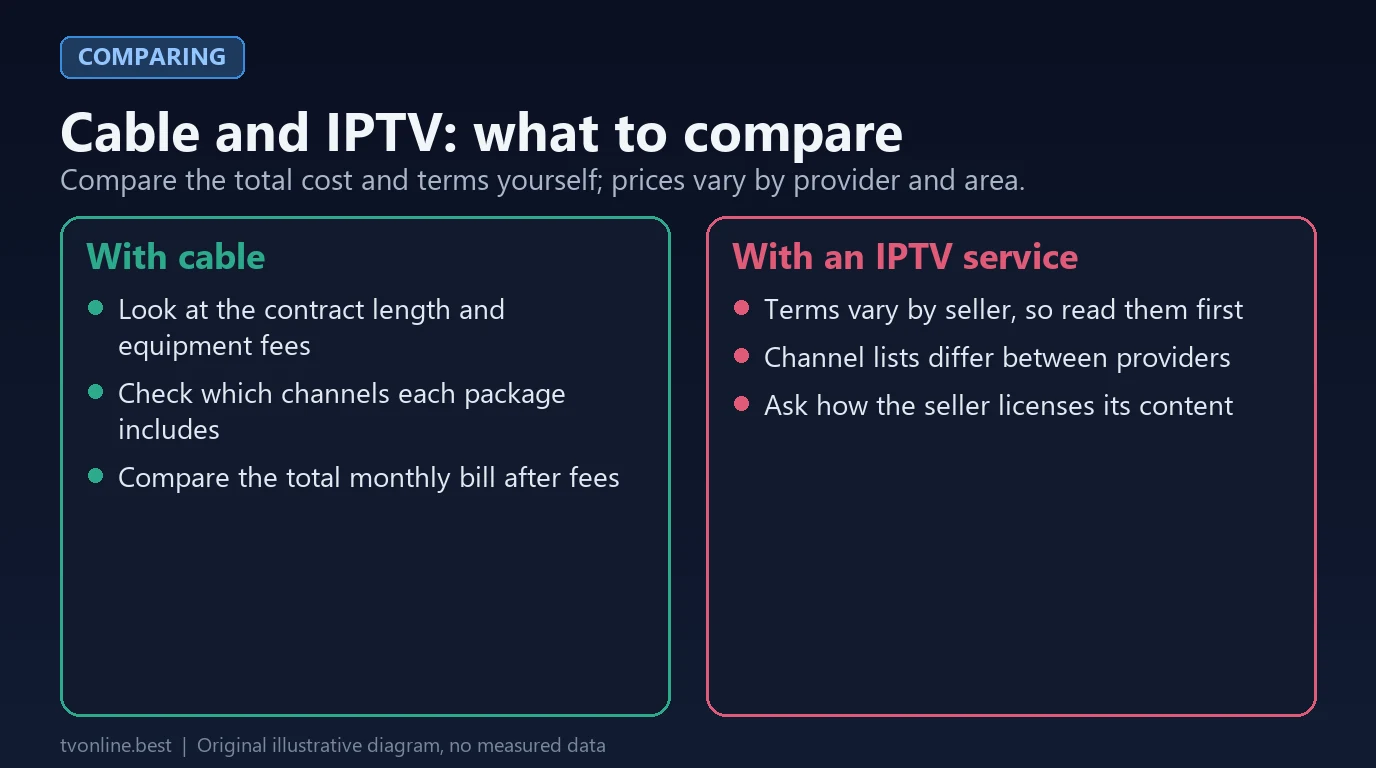
The True Cost of Cable Television
The primary driver behind cord-cutting is rarely content availability; it is invoice inflation. Traditional pay-TV providers typically advertise an attractive entry-level package price—often between $60 and $85 per month—under a mandatory 12- or 24-month contract. However, the final monthly bill delivered to consumers includes numerous mandatory surcharges that are omitted from headline marketing:
- Broadcast TV Surcharges: Most major cable operators now levy an itemized monthly fee between $18 and $28 to cover transmission fees for local over-the-air affiliates (ABC, CBS, NBC, FOX).
- Regional Sports Network (RSN) Fees: Even subscribers who never watch live athletics typically pay a mandatory $12 to $18 monthly RSN surcharge depending on their metropolitan media market.
- Proprietary Hardware Rentals: Cable operators charge between $9 and $15 per month for each physical set-top box. A household with televisions in the living room, master bedroom, and den routinely spends $30 to $45 every month purely on hardware rental before streaming a single minute of video.
- Cloud DVR Fees: Adding 50 to 100 hours of recording capacity frequently adds another $10 to $20 per month.
When federal regulatory fees, franchise taxes, and equipment fees are tallied, an advertised $75 cable plan routinely costs consumers between $135 and $175 per month. Once initial promotional discounts expire after the first year, bills frequently surpass $210 monthly.
How Modern IPTV Delivery Operates
IPTV bypasses dedicated coaxial and satellite infrastructure entirely. Instead of transmitting video through physical cables buried under streets, television channels are encoded as digital data packets (MPEG-TS or HLS) and routed over standard broadband internet connections.
This technological difference changes the entire economic model for consumers. Because delivery relies on open internet protocols, viewers do not rent proprietary hardware from their service provider. Playback runs directly on standard consumer streaming hardware, such as an Amazon Firestick, Apple TV, Google TV Chromecast, Smart TV, or mobile device. Subscriptions operate on transparent monthly, quarterly, or annual plans without credit checks, long-term contracts, or cancellation penalties.
Side-by-Side Comparison: Cable TV vs. IPTV
| Feature / Factor | Traditional Cable TV | Modern IPTV Service |
|---|---|---|
| Average Monthly Cost | $130 – $210+ (after fees & equipment) | Flat subscription pricing (no hidden fees) |
| Contract Commitment | 12 to 24 months with termination penalties | Month-to-month, quarterly, or annual (cancel anytime) |
| Hardware Requirements | Proprietary leased boxes ($10-$15/month each) | Standard streaming sticks (Firestick, Apple TV, Android TV) |
| Simultaneous Multi-Screen | Requires an extra leased box per physical room | Supported across multiple devices on single plan |
| Channel Selection | 150 – 250 regional channels by package tier | Extensive domestic, international, and live sports lineups |
| Mobility & Portability | Tied to physical coaxial outlets in the home | Streams anywhere with stable internet connectivity |
| Setup & Activation | Requires technician visit or physical cable self-install | Instant digital playlist activation via M3U / Xtream API |
Sports Coverage and Local Channel Availability
For decades, sports enthusiasts remained tethered to cable because regional sports networks (RSNs) held exclusive local broadcast rights. Cable bundles provided a single reliable destination for Sunday afternoon football, regional baseball, and hockey matches.
Today, IPTV services bridge this gap by aggregating live sports feeds across national networks, out-of-market sports packages, and international feeds into a single interface. However, cord-cutters must verify network performance: while cable transmits a dedicated synchronous signal that never buffers, IPTV streaming stability relies on your home internet connection and server edge peering. To enjoy fast-action ball sports without stutter, an internet connection capable of delivering 20 to 25 Mbps per stream with minimal packet jitter is essential.
Hardware Setup: Proprietary Boxes vs. Streaming Sticks
One of the most noticeable daily differences between cable and IPTV is the hardware interface. Traditional cable relies on bulky set-top boxes connected by heavy coaxial cables. These remotes are often cluttered with 50+ rubber buttons, and the guide interface on older boxes can feel sluggish.
With IPTV, viewers use modern streaming media players like the Amazon Fire TV Stick 4K Max, Apple TV 4K, or Nvidia Shield TV. These devices feature responsive navigation, voice search, and allow users to run popular dedicated player applications such as TiviMate, IPTV Smarters Pro, or IBO Player. These applications provide customizable TV guides (EPG), channel favoriting, multi-view screen splitting, and catch-up options that match or surpass legacy cable box interfaces.
Step-by-Step Cord-Cutting Transition Checklist
- Audit Your Household Viewing Habits: List the essential live channels, sports networks, and local affiliates your household watches weekly.
- Test Your Home Broadband Connection: Run a baseline speed test during peak evening hours (8:00 PM – 10:00 PM). Ensure your download speeds comfortably exceed internet speed requirements for IPTV.
- Equip Your Televisions: Connect a capable streaming device to each television's HDMI port. If you use Amazon hardware, follow our step-by-step Firestick setup guide.
- Evaluate Subscriptions with Short-Term Passes: Before terminating cable service, purchase a 1-month or short-term trial of a reliable IPTV subscription to test stream consistency during high-traffic live events.
- Return Cable Equipment: Once comfortable with your streaming setup, contact your cable provider to cancel the television portion of your bundle, keep your standalone broadband connection, and return all rented set-top boxes to eliminate recurring fees.
Frequently Asked Questions
Can I still get local news and network affiliates without cable?
Yes. Most comprehensive IPTV providers include major local DMA network affiliates (ABC, CBS, FOX, NBC) across major US metropolitan markets. Additionally, an inexpensive digital over-the-air (OTA) HD antenna can capture uncompressed local broadcast channels for free.
Can I record live television on IPTV like a cable DVR?
Yes. Many leading IPTV player applications, such as TiviMate and Sparkle TV, support local digital recording directly to your device storage, connected USB flash drives, or home network-attached storage (NAS).
Do I need a separate IPTV box for every television?
No. Unlike cable companies that charge $10 to $15 per month for each extra box, IPTV runs on affordable streaming sticks you own outright. Multi-connection plans allow you to stream on several screens simultaneously under one subscription account.
Will my internet bill increase if I cancel cable?
Cable companies often remove "bundle discounts" when you drop pay-TV, which can raise standalone internet costs by $10 to $20. However, eliminating $60 to $120 in cable programming and hardware fees still leaves the average household with substantial net savings every month.