
Searching for IPTVOID usually comes down to two questions: is it legitimate, and will it hold up on a busy night? TV Online has not tested IPTVOID and has not verified who operates it, so this page does not rate it. Instead it explains what we could not confirm and gives you checks you can run yourself before you pay any IPTV seller.
How this article was written
TV Online has not run hands-on or laboratory tests of IPTVOID for this article and has not verified who operates it. The page explains how to check any IPTV seller yourself. Verify details with the seller and check the rules that apply to you before you pay.
What we could not verify about IPTVOID
- Who operates the service and where it is based.
- Whether it holds the rights to the channels it advertises.
- Where its streams come from.
- How it performs on your own connection, especially during major live events.
- How it handles refunds, cancellations and support after you pay.
A page that states these things as fact without showing its sources is asking you to take its word for it. That is why this page makes no claims about IPTVOID itself. Readers also search for the domain iptvoid.com; the same checks apply to any address.
Why a name like IPTVOID needs extra care
Popular IPTV names are easy to copy. Unrelated sites can use similar names or lookalike web addresses, and a site that appears in search results is not necessarily the one a friend or forum recommended. Confirm the exact address you are paying, and compare it with any link the service itself publishes.
Checks to run before paying IPTVOID or any IPTV seller
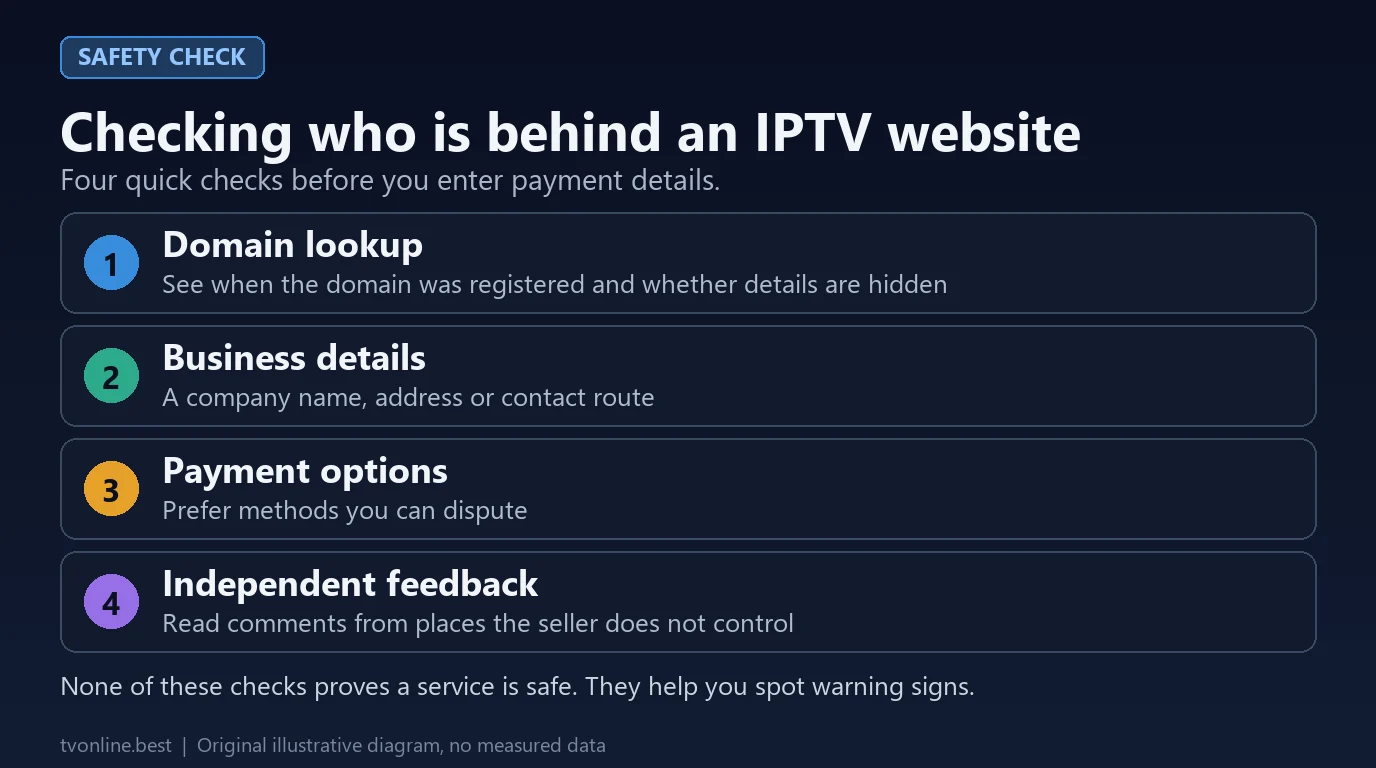
- Look up the domain. A public registration lookup such as ICANN Lookup can show when a domain was registered. Hidden details are not proof of wrongdoing, but they limit what you can verify.
- Look for business details. A company name, address and contact route you can verify are a good sign. Their absence is a reason to be cautious.
- Read the written terms. Refund, trial, renewal and device-limit terms should be stated before you pay. Keep screenshots of them.
- Choose a payment method you can dispute. Ask your card issuer or payment provider how disputes work. Avoid payment methods that cannot be reversed.
- Start with the shortest plan. Do not pay for a long plan until you have watched on your own devices at a busy time, such as a major live game. See how to fix IPTV buffering and freezing and how much internet speed IPTV needs.
- Check independent feedback. Read comments from places the seller does not control, and treat any single review with caution.
Legal and safety basics
Whether an IPTV service is lawful depends on whether it holds the rights to what it sells, not on the technology. Read our guide to whether IPTV is legal in the USA, and see how to judge an IPTV shop before you enter payment details.
Setting up any IPTV service on your device
A seller that provides access normally gives you either an M3U playlist link or Xtream Codes login details (server URL, username and password). You load those into a separate player app. These guides cover the common devices:
- How to set up IPTV on a Fire TV Stick
- Player apps for Samsung, LG and Android TV
- What an IPTV playlist is and how it works
- Using more than one screen at a time
If streams buffer at busy times
- Use a wired Ethernet connection where you can, and test your speed while the stream plays.
- Raise your player’s buffer setting in small steps instead of jumping to the maximum.
- Compare a quiet time with a busy time, such as a major live game, to see whether the problem follows demand.
- Tell the seller exactly when it happened and keep a note of the answer.
Our buffering and freezing guide walks through these steps in more detail.
Compare other options
- What to compare when choosing an IPTV provider
- Questions to ask any IPTV service provider
- How to judge cheap IPTV plans
- IPTV player apps for Smart TV and Android
FAQ
Is IPTVOID legitimate?
TV Online has not verified who operates IPTVOID or whether it is licensed, so we cannot say. Use the checks above and rely on written terms rather than claims.
Which IPTVOID website is the official one?
We have not identified an official site. If a seller says it is official, ask for proof such as a company name and contact details, and compare the exact web address with links published by the service itself.
Can I get a refund if IPTVOID stops working?
That depends on the seller’s written terms and how you paid. Read the refund terms before paying, keep screenshots, and ask your card issuer or payment provider about dispute options if a seller does not deliver.
Does IPTVOID deliver the quality it advertises?
We have not tested it. Advertised resolution and frame rate can differ from what you receive, so check the stream information in your player during a trial.
If you want to compare another option, see the plans on the TV Online homepage.